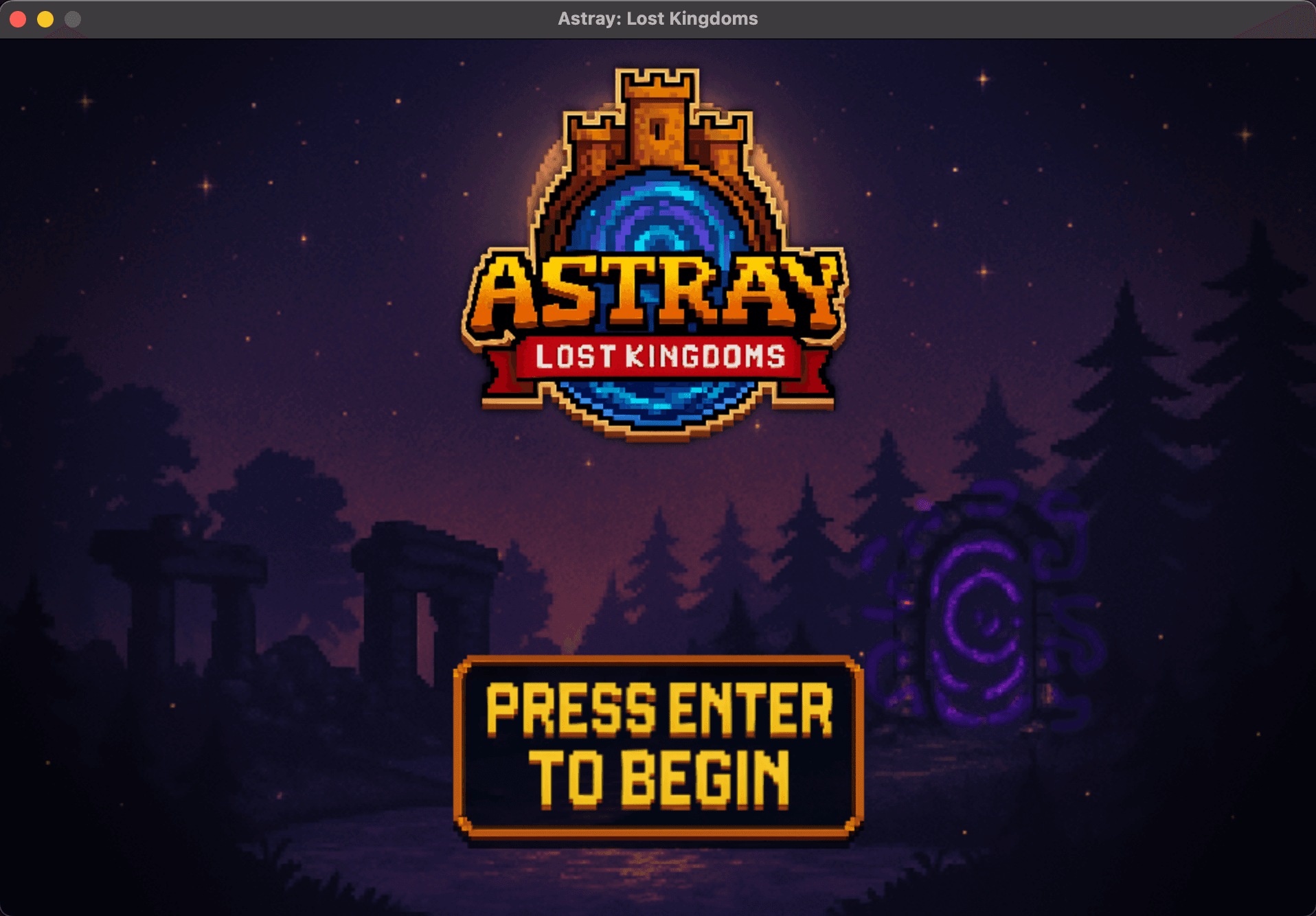
Overview
Key Features
-
Interactive Menus & UI
- Main menu with animated logo, music, and button transitions.
- In-game UI includes health, mana, experience, hunger bars, inventory slots, and gold counter.
- UI expands dynamically as the player progresses (map, quest log, tips).
-
Cutscenes & Transitions
- Intro cutscene coded in Pygame (not pre-rendered), with item physics, portal effects, and screen shake.
- Smooth right-to-left wipe transition from cutscene → gameplay.
- Black cinematic bars (black_bars.png) for immersion.
-
Object-Oriented Game Logic
- Classes for Player, Items, UI elements, and Game States.
- Event-driven input handling for WASD movement, item pickup, and inventory updates.
- Modular design enables scalability for quest systems and combat mechanics.
-
Custom Pixel Art Assets
- Created player sprite, item icons (bread, apple, pan), and living room background (960x640).
- Assets integrated with transparency and scaling for retro-style visuals.
- Plan to expand asset library for environments, NPCs, and enemies.
-
Planned Quest & Progression Systems
- Story-driven questline with branching dialogue and objectives.
- Combat mechanics with health/mana costs and enemy AI.
- Player progression through XP, gold, and item crafting.
Technologies Used
- Core Engine: Python, Pygame
- Game Design & Assets: Aseprite/Piskel (pixel art), Photoshop for UI polish
- Programming Concepts:
- Object-Oriented Programming (classes, inheritance)
- Event-driven input handling
- Real-time rendering and animation loops
- Development Practices:
- Git/GitHub for version control
- Iterative prototyping (feature-by-feature builds)
- Debugging with logging and frame-by-frame testing
Python
def handle_game_input(self):
    keys = pygame.key.get_pressed()
    if keys[pygame.K_w]:
        self.y -= self.speed
    if keys[pygame.K_s]:
        self.y += self.speed
    if keys[pygame.K_a]:
        self.x -= self.speed
    if keys[pygame.K_d]:
        self.x += self.speed